Smarton TV: Features, Channels, Setup & Guide
Introduction
If you are searching for Smarton TV, you may mean an IPTV streaming service or the SMARTON television brand. The name can be confusing because different websites use similar terminology for different products and services.
This guide explains what Smarton TV means, how IPTV-based Smarton TV services work, supported devices, channels and features, setup, login issues, troubleshooting, pricing considerations, and the difference between an IPTV service and a SMARTON television.
What Is Smarton TV?
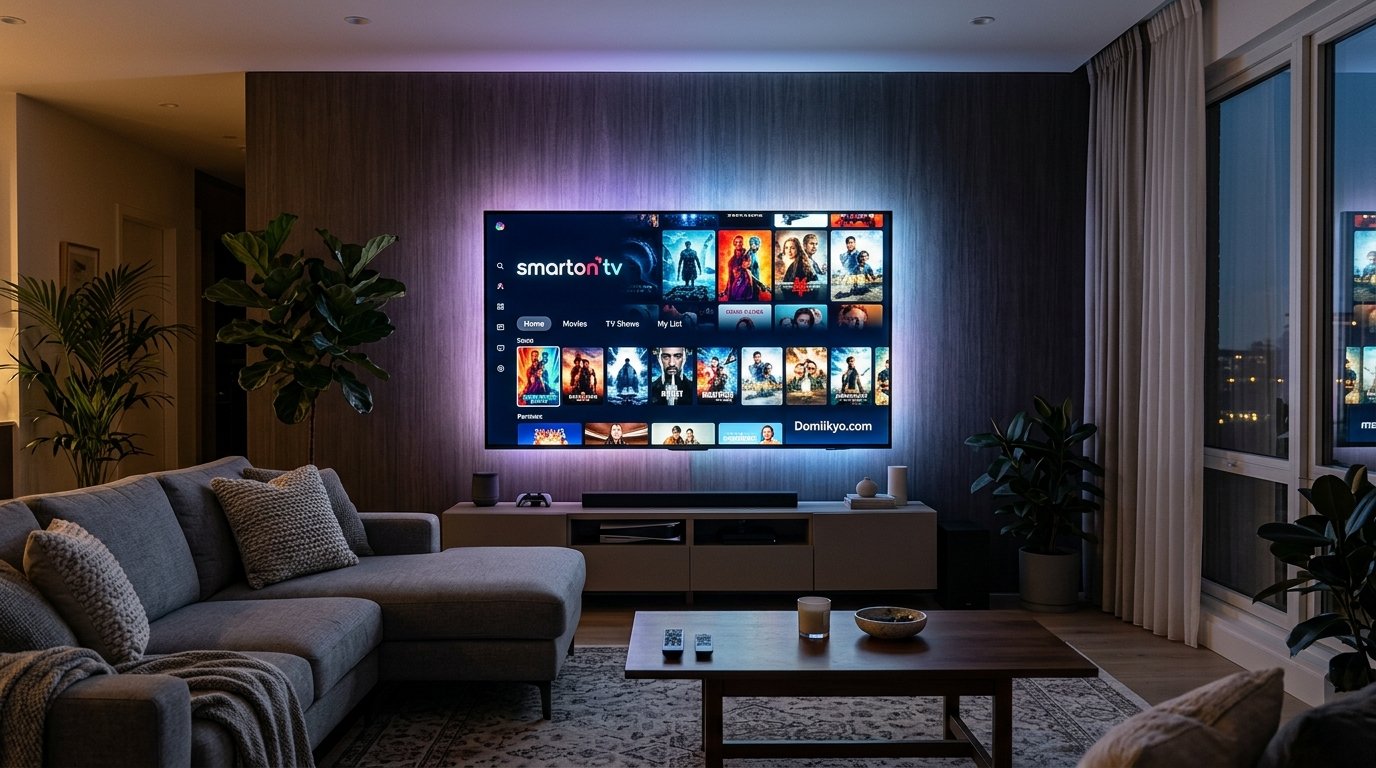
Smarton TV is a name associated with internet-based television and streaming services, while SMARTON is also used as a television and electronics brand.
When the term appears in IPTV searches, Smarton TV generally refers to a service that delivers television channels, movies, series, sports, and other streaming content over an internet connection.
A SMARTON television, on the other hand, refers to physical TV hardware sold under the SMARTON brand.
Because these are different things, it is important to identify which Smarton TV you are looking for before downloading an app, purchasing a subscription, or troubleshooting a device.
Smarton TV IPTV vs. SMARTON TV Brand
| Feature | Smarton TV IPTV | SMARTON TV Brand |
|---|---|---|
| What is it? | Internet-based streaming service | Television/electronics brand |
| Main purpose | Watch online TV and streaming content | Watch TV using physical TV hardware |
| Requires internet? | Yes | Usually needed for smart features and online apps |
| Product type | Digital service/subscription | Physical television |
| Common features | Live TV, movies, series, EPG | Smart TV, Android TV, Google TV and display features |
| Main concern | Service compatibility and subscription | TV specifications, model and hardware |
The distinction is useful because searching for “Smarton TV” can lead to either type of result.
How Does Smarton TV IPTV Work?
An IPTV service delivers television programming through an internet connection rather than through traditional terrestrial, satellite, or cable television infrastructure.
A typical IPTV setup involves:
- An internet connection.
- A compatible television, streaming device, phone, tablet, or computer.
- An authorized IPTV application or player.
- Service credentials or subscription information, when required.
- A compatible content stream.
After the service is configured, available channels or on-demand content can be accessed through the relevant application or player.
Performance depends on factors such as internet speed, Wi-Fi quality, device capabilities, server performance, and the service provider.
Smarton TV Features
The exact features available depend on the particular Smarton TV service or product you are using.
Live TV
IPTV services can provide live television channels over an internet connection. The available channels depend on the provider, subscription, location, and applicable content rights.
Movies and Series
Some IPTV services also provide video-on-demand libraries containing movies and television series.
The size and availability of these libraries can change, so users should check the current provider information instead of relying on old channel or content lists.
Sports
Sports programming is another common feature promoted by IPTV services. However, sports availability can vary significantly by country, competition, broadcaster, and licensing agreement.
Always check whether the content you want is officially available in your region.
Electronic Program Guide
An Electronic Program Guide (EPG) can display television schedules and program information.
When supported, an EPG makes it easier to see what is currently playing and what is scheduled next.
HD and 4K Streaming
Some services advertise HD, Full HD, or 4K streams. Actual picture quality depends on:
- The source stream
- Your internet connection
- Your device
- Your display
- Network congestion
- The specific channel or program
A service advertising 4K does not necessarily mean every available channel is delivered in 4K.
What Devices Can Work With Smarton TV?
Compatibility depends on the specific Smarton TV service and application.
Common device categories associated with IPTV and streaming services include:
- Android TV
- Google TV
- Smart TVs
- Fire TV devices
- Android phones and tablets
- iPhones and iPads
- Windows computers
- Mac computers
- Compatible streaming boxes
Before subscribing or installing anything, check the provider’s current device compatibility information.
Smarton TV on Android TV and Google TV
Android TV and Google TV devices provide access to compatible applications through their respective app ecosystems.
If an official Smarton TV application is available for your device, install it from an authorized source whenever possible.
Smarton TV on Samsung TVs
Samsung Smart TVs use Samsung’s TV platform and application ecosystem. Whether a particular Smarton TV application is available depends on the service and regional availability.
If the application is unavailable, users should not install unknown files simply because they claim to be an alternative version.
Smarton TV on LG TVs
LG Smart TVs use their own software environment and application store. Application availability can vary according to the TV model, webOS version, country, and developer support.
Smarton TV on Fire TV
Fire TV devices are commonly used for streaming applications, but compatibility should be confirmed with the specific Smarton TV provider.
Avoid downloading unofficial applications from unknown sources unless you fully understand the security implications.
How to Set Up Smarton TV
The exact setup process depends on whether you are using an IPTV service or a SMARTON television.
For an authorized IPTV service, the general process is:
Step 1: Check Compatibility
Confirm that your device supports the application or player recommended by the service.
Step 2: Install the Official or Authorized App
Use the device’s official application store whenever the application is available there.
Step 3: Sign In
Enter the credentials supplied with your legitimate subscription or account.
Step 4: Configure the Service
Follow the provider’s instructions for activating or configuring the service.
Step 5: Test Streaming
Open a channel or other authorized content and check playback quality.
Step 6: Check the TV Guide
If an EPG is supported, verify that program information is loading correctly.
Smarton TV Login and Access
If you are looking for Smarton TV login, first identify which Smarton service or website you are using.
A login problem can happen for several reasons:
- Incorrect username
- Incorrect password
- Expired subscription
- Account not activated
- Incorrect server information
- Application issue
- Internet connectivity problem
- Temporary provider outage
Do not enter your account credentials into websites that are not clearly associated with the service you intended to use.
Smarton TV Channels and Content
Channel availability is one of the most important factors when evaluating an IPTV service.
A provider may advertise a large number of channels, but the number alone does not tell you whether the service is useful.
Instead, check:
- Channels available in your country
- Sports coverage
- News channels
- Entertainment channels
- Kids’ programming
- Movie channels
- Local channels
- Language options
- HD and 4K availability
- Channel reliability
- EPG availability
Channel lists can change over time, so users should rely on current provider information rather than outdated third-party lists.
Smarton TV Pricing
Smarton TV IPTV pricing varies depending on the provider, package, subscription length, device support, and promotions.
Common subscription structures can include:
- Monthly plans
- Quarterly plans
- Annual plans
- Multi-device plans
- Trial offers
Before paying, check the full price and understand exactly what is included.
You should also look for:
- Refund policy
- Cancellation terms
- Number of supported devices
- Payment security
- Customer support
- Subscription renewal conditions
Avoid choosing a service solely because it advertises the largest channel count or the lowest price.
Is Smarton TV Safe and Legitimate?
Safety and legitimacy depend on the specific Smarton TV service or provider you are dealing with.
The name alone does not prove that a particular website or IPTV service is legitimate.
Before subscribing, consider these checks:
1. Check the Official Website
Make sure you are dealing with the correct service and not a copycat website.
2. Review the Privacy Policy
A trustworthy service should explain how account and payment information is handled.
3. Check Payment Security
Use secure payment methods and avoid sending sensitive information to suspicious websites.
4. Understand Content Rights
The legality of IPTV content depends on licensing and regional broadcasting rights. A service offering television streams does not automatically have permission to distribute every channel or program.
5. Be Careful With Unofficial Apps
Unknown APK files, modified applications, and unofficial downloads can create security risks.
6. Check Customer Support
A legitimate business should provide a clear method of contacting support.
Smarton TV Troubleshooting
If Smarton TV is not working correctly, start with basic troubleshooting.
Smarton TV Is Buffering
Try:
- Restarting your streaming device.
- Restarting your router.
- Testing another internet connection.
- Moving closer to the Wi-Fi router.
- Using Ethernet where possible.
- Closing unnecessary applications.
- Testing another channel.
If other internet services work normally but the IPTV service continues buffering, the problem may be related to the service rather than your home network.
Smarton TV Login Is Not Working
Check:
- Username
- Password
- Subscription status
- Server details
- Device date and time
- Internet connection
If your credentials are correct, contact the service provider.
Channels Are Not Loading
If only one or a few channels fail, the issue may be channel-specific.
If every channel fails, check:
- Internet connection
- Account status
- Application configuration
- Service status
- Device compatibility
Smarton TV App Is Not Working
Try:
- Closing and reopening the app
- Restarting the device
- Updating the app
- Checking for system updates
- Clearing the app cache where supported
- Reinstalling the authorized application
Do not install random replacement applications from unknown websites.
SMARTON TV Brand
SMARTON is also used as a television and electronics brand.
Its product range includes smart television models and other electronics, with products associated with technologies such as Android TV and Google TV.
This is separate from an IPTV subscription.
If you are shopping for a SMARTON television, focus on hardware specifications such as:
- Screen size
- Resolution
- Display technology
- Operating system
- RAM and storage
- HDMI ports
- USB ports
- Wi-Fi
- Bluetooth
- HDR support
- Speaker configuration
- Warranty
- Local service availability
The exact specifications depend on the individual TV model.
Smart TV vs. Smarton TV
These terms are easy to confuse.
Smart TV is a general category of televisions that can connect to the internet and run applications.
Smarton TV may refer to a specific IPTV/streaming service.
SMARTON TV may refer to a television manufactured and sold under the SMARTON brand.
Therefore, always check the context before assuming that all three terms describe the same product.
Pros and Cons of Smarton TV IPTV
Potential Advantages
- Internet-based television
- Access to live streaming
- Potential on-demand content
- Support for multiple device categories
- Electronic program guides on supported services
- Convenient access through compatible devices
Potential Disadvantages
- Requires a reliable internet connection
- Availability can vary by region
- Channel lineups can change
- Streaming quality can fluctuate
- Application compatibility varies
- Some providers may make marketing claims that are difficult to independently verify
- Content licensing should always be considered
How to Choose a Smarton TV Service
If you are evaluating an IPTV provider, do not judge it only by the number of advertised channels.
Use this checklist:
| Factor | What to Check |
|---|---|
| Compatibility | Does it support your device? |
| Channels | Does it include the channels you actually watch? |
| Quality | Are HD/4K streams genuinely available where needed? |
| Reliability | Does playback remain stable? |
| EPG | Is the TV guide available and accurate? |
| Pricing | Is the cost clear? |
| Refunds | Is there a reasonable refund policy? |
| Privacy | Is personal data handled responsibly? |
| Support | Can you contact the provider? |
| Legality | Does the service have appropriate content rights? |
Smarton TV Alternatives
If Smarton TV does not meet your needs, consider established legal streaming and television options available in your country.
The best alternative depends on whether you want:
- Live television
- Sports
- Movies
- On-demand series
- Local channels
- International programming
- Free ad-supported streaming
- Premium subscriptions
Instead of choosing an alternative based solely on channel count, compare content availability, price, device compatibility, reliability, and licensing.
Final Thoughts
Smarton TV can mean different things depending on the context. In IPTV-related searches, it generally refers to an internet-based television or streaming service, while SMARTON is also associated with television and electronics products.
If you are considering an IPTV service, evaluate its device compatibility, content availability, reliability, pricing, privacy practices, support, and licensing before subscribing.
If you are shopping for a SMARTON television, compare the individual model’s display, operating system, connectivity, hardware specifications, warranty, and local support.
Understanding this distinction will help you find the correct Smarton TV product or service and avoid confusing an IPTV subscription with a physical television brand.
FAQs
1. What is Smarton TV?
Smarton TV can refer to an IPTV/streaming service or, in another context, the SMARTON television/electronics brand. The correct meaning depends on the website, product, or service being discussed.
2. Is Smarton TV an IPTV service?
The name Smarton TV is used by IPTV-related services that provide internet-based television and streaming content. Users should verify the specific provider before subscribing.
3. How does Smarton TV work?
An IPTV-based Smarton TV service delivers television content through an internet connection using a compatible application or player.
4. Does Smarton TV work on Smart TVs?
Compatibility depends on the particular Smarton TV service and television platform. Check whether the service supports your TV model and operating system before subscribing.
5. Can I use Smarton TV on Android TV?
Some IPTV services support Android TV. The exact application and setup requirements depend on the provider.
6. Can I use Smarton TV on Fire TV?
Some IPTV services support Fire TV devices, but compatibility should be confirmed with the specific provider.
7. Does Smarton TV have an EPG?
Some IPTV services provide an Electronic Program Guide. Availability and accuracy depend on the service.
8. How do I fix Smarton TV buffering?
Check your internet connection, restart your router and streaming device, use a stronger connection, and test multiple channels. Persistent buffering can also indicate a provider-side problem.
9. Is Smarton TV safe?
Safety depends on the specific website or service. Verify the provider, use official applications where possible, protect your payment information, and avoid suspicious downloads.
10. Is Smarton TV legal?
IPTV technology itself is not inherently illegal. The legality of a particular service depends on whether it has the appropriate rights to distribute the content in the relevant jurisdiction.
11. What is the difference between Smarton TV and SMARTON TV?
Smarton TV may refer to an IPTV or streaming service, while SMARTON is also used as a television/electronics brand. They should not automatically be treated as the same entity.
12. Should I choose Smarton TV based on channel count?
No. Compare the channels you actually need, streaming reliability, device compatibility, pricing, customer support, privacy, and content licensing rather than relying only on a headline channel count.