
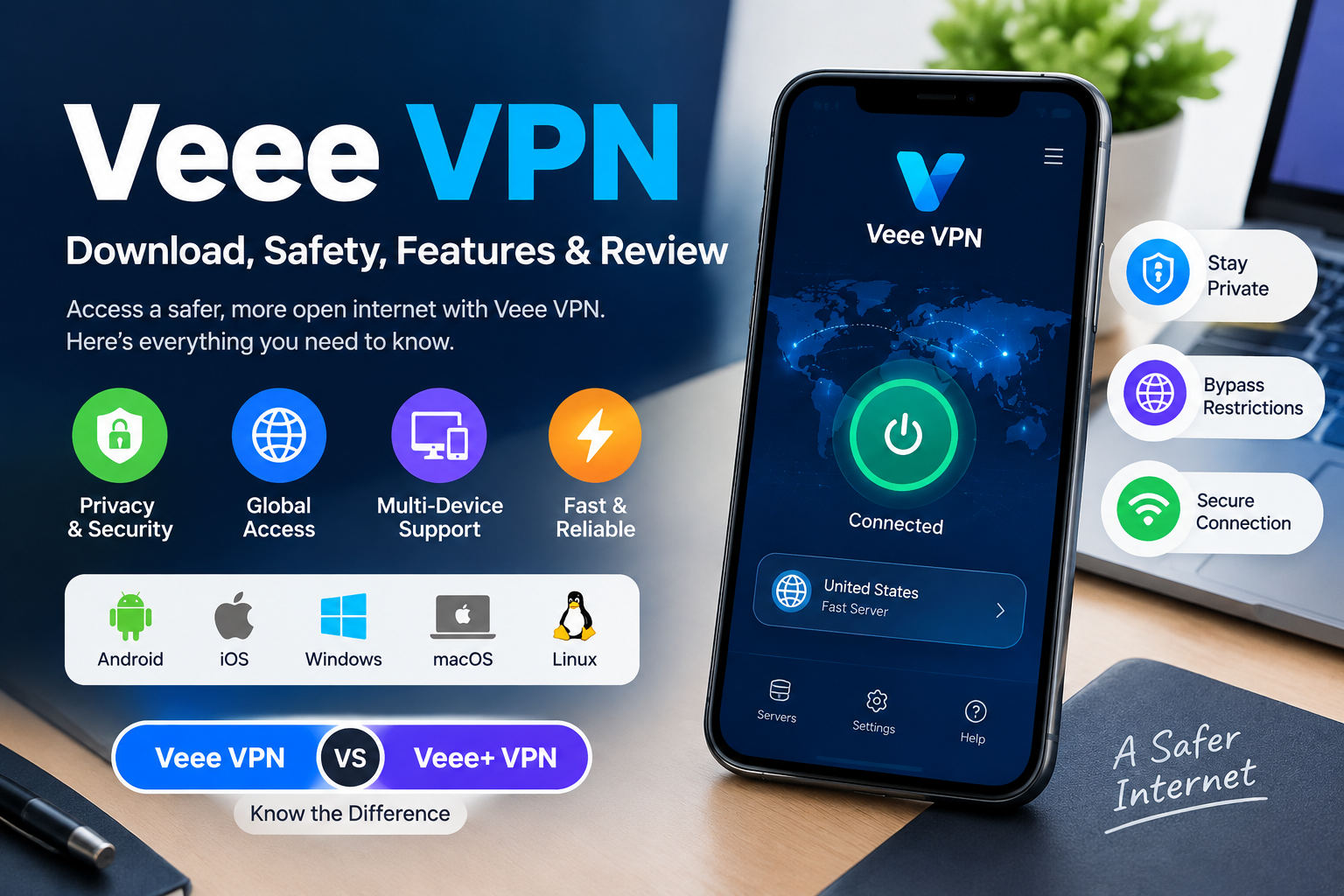
Veee VPN: Download, Safety, Features & Review
Introduction
If you are searching for Veee VPN, you may be looking for a VPN service that can help protect your internet connection, access online services, and connect through different network routes. However, there is an important point to understand first: several similarly named Veee VPN and Veee+ VPN apps and websites appear online.
This guide explains what Veee VPN is, how it works, where it can be used, its features, safety considerations, download options, and the difference between Veee VPN and Veee+ VPN.
What Is Veee VPN?
Veee VPN is a VPN service associated with apps and services designed to route internet traffic through VPN servers. Depending on the version and provider, Veee-branded services may offer support for platforms such as Android, iOS, Windows, macOS, and Linux.
Veee VPN is particularly associated online with users who want VPN connectivity in China and access to websites, applications, AI services, streaming platforms, or other internet resources.
One important consideration is that Veee VPN, Veee+, VeeeVPN, and similarly named services should not automatically be assumed to be the same product. Before installing an application, check its developer, website, privacy policy, and official distribution source.
Veee VPN at a Glance
| Feature | Details |
|---|---|
| Service type | VPN |
| Main purpose | Private and routed internet connectivity |
| Android | Available for some Veee-branded services |
| iOS | Available for some versions/services |
| Windows | Available |
| macOS | Available |
| Linux | Available on some provider platforms |
| Free option | Depends on the specific service/version |
| China use | Commonly promoted use case |
| Privacy | Check the applicable privacy policy |
| Veee+ relationship | Verify the exact app and developer |
Because different Veee-branded products exist, availability and features can change between applications.
How Does Veee VPN Work?
A VPN creates a connection between your device and a VPN server. Instead of sending your internet traffic directly to websites through your normal connection, the VPN routes traffic through its infrastructure.
A typical VPN connection can help:
- Establish an encrypted connection between your device and the VPN server.
- Route internet traffic through the VPN server.
- Replace the publicly visible IP address with an address associated with the VPN connection.
- Reduce the exposure of your traffic on some untrusted networks.
- Allow users to connect through different server locations where available.
The exact privacy and security protection depends on the VPN provider, protocol, configuration, and the information the service collects.
Is Veee VPN Safe?
There is no good reason to describe any VPN as automatically “100% safe.” The more useful approach is to examine the specific Veee VPN application you are considering.
Before installing Veee VPN, check:
- The developer name
- The official website
- The app-store listing
- The privacy policy
- Required permissions
- Whether the application is updated
- Where the download came from
- Whether the app matches the provider’s official information
Privacy policies are especially important. A VPN can avoid storing browsing history while still collecting certain technical information such as device details, connection information, crash information, or approximate location.
Therefore, “no browsing logs” does not necessarily mean “no data is collected.”
Is Veee VPN Legit?
Veee-branded VPN services and applications can be found across different websites and app listings, but users should verify exactly which product they are downloading.
A legitimate-looking VPN download page should not be trusted solely because it uses the Veee name.
Before downloading, compare:
- Domain name
- Developer name
- App name
- App icon
- Privacy policy
- Contact information
- Official documentation
- Application package information
- Store listing
If these details conflict, stop and investigate before installing the application.
Veee VPN vs Veee+ VPN
One of the most confusing aspects of searching for Veee VPN is the presence of Veee+ VPN and other similarly named applications.
The names may look related, but you should not assume that every application containing “Veee” is operated by the same company.
When comparing Veee VPN and Veee+ VPN, check:
| Check | Why It Matters |
|---|---|
| Developer | Helps identify who publishes the app |
| Website | Shows where the service claims to originate |
| Privacy policy | Explains data collection |
| App package | Helps distinguish applications |
| Store listing | Provides official distribution information |
| Update history | Can indicate whether an app is maintained |
| Permissions | Helps identify unnecessary access |
This is particularly important when downloading an APK from outside an official app store.
Veee VPN Download
The safest approach is to obtain the application from a source that you can verify as belonging to the relevant provider.
Depending on the specific Veee service, downloads may be available for different operating systems.
Veee VPN for Android
Android users may encounter both Google Play applications and APK downloads.
If you use an APK, verify the source carefully before installing it. Do not assume an APK is official simply because its filename contains “Veee VPN.”
Check the developer, domain, package information, privacy policy, and other identifying details.
Veee VPN for iPhone
For iPhone or iPad, check the relevant Apple App Store listing and confirm the developer information before installing.
Avoid relying on an unrelated third-party download page when an official store listing is available.
Veee VPN for Windows
Some Veee-branded services provide Windows clients. Download the Windows installer from a source that can be verified against the provider’s current website.
After installation, review the application’s permissions and settings before connecting.
Veee VPN for macOS
Mac users should similarly verify the source of the macOS installer. Check whether the download corresponds to the same provider and application described in the service’s documentation.
Veee VPN for Linux
Some Veee VPN services also provide Linux clients or installers. Linux users should check the provider’s current documentation because supported distributions and installation methods can change.
How to Install Veee VPN
The exact installation process depends on the device, but the general process is:
- Identify the correct Veee VPN service.
- Verify the developer and download source.
- Download the appropriate application.
- Install the application.
- Review permissions and privacy information.
- Open the VPN client.
- Sign in or create an account if required.
- Select an available server or route.
- Connect to the VPN.
- Test your internet connection.
If anything about the application appears inconsistent with the provider’s official information, do not continue the installation until you verify it.
Does Veee VPN Work in China?
Veee VPN is frequently discussed in connection with internet access in China.
However, VPN performance in China can change significantly because connectivity may depend on:
- Network provider
- Location
- VPN server
- Routing
- VPN protocol
- Local network restrictions
- Current censorship conditions
- Application version
For that reason, no VPN should be treated as guaranteed to work everywhere and at all times.
If you are considering Veee VPN specifically for China, check the provider’s current documentation and recent user experiences before relying on it for important connectivity.
Veee VPN Features
Depending on the specific Veee service, features may include:
VPN Encryption
VPN encryption can help protect data while it travels between your device and the VPN server.
Multiple Platforms
Some Veee services provide applications for multiple operating systems, making it possible to use the service across computers and mobile devices.
Different Routes or Servers
Some Veee VPN services promote specialized routes or server options intended to improve connectivity for particular use cases.
Kill Switch
A kill switch can prevent internet traffic from continuing through a normal connection if the VPN disconnects.
However, users should verify whether this feature is included in the particular Veee VPN application they are using.
Split Tunneling
Some VPN applications support split tunneling, allowing selected traffic to use the VPN while other traffic uses the normal connection.
Again, availability depends on the specific application.
Is Veee VPN Free?
Some Veee-branded VPN services promote free access or free options, while other versions may have paid plans or premium features.
Before signing up, check:
- What is included in the free plan
- Whether there are bandwidth limits
- Whether server selection is restricted
- Whether premium routes require payment
- Whether the service automatically renews
- What information is required to create an account
Do not assume that every application using the Veee name has the same pricing model.
Veee VPN Pros and Cons
Pros
- VPN connectivity across supported devices
- Multiple Veee-branded services offer several platform options
- Commonly associated with China-focused VPN use
- May provide different connection routes
- Some versions offer free access
Cons
- Veee branding can be confusing
- Different apps may use similar names
- Features can differ between versions
- Independent security verification may be limited
- VPN performance can vary by location and network
- Third-party APK downloads can create additional security risks
What Should You Check Before Downloading Veee VPN?
Use this checklist before installing the application:
1. Check the Developer
Make sure the developer shown on the app store matches the information provided by the service.
2. Check the Domain
Look carefully at the website address. Avoid assuming that every domain containing “Veee VPN” is official.
3. Read the Privacy Policy
Find out what information the service collects and how that information is used.
4. Check Permissions
A VPN may need certain permissions, but unexpected or excessive permissions deserve additional scrutiny.
5. Avoid Random APK Websites
Third-party APK sites can introduce additional risks. If an official store or verified provider download is available, prefer the verifiable source.
6. Check Recent Updates
An application that has not been maintained for a long time may present compatibility or security concerns.
Veee VPN Review: Is It Worth Using?
Whether Veee VPN is worth using depends on your particular needs.
It may be interesting for users looking for a VPN associated with China connectivity, multiple platforms, or free VPN options.
However, users who prioritize privacy should examine the specific provider’s privacy policy and security documentation rather than relying only on marketing claims.
The most important point is to identify the exact Veee VPN product first.
If you find an application with a different developer, different domain, or different privacy policy, do not automatically treat it as the same service.
FAQs
1. What is Veee VPN?
Veee VPN refers to VPN services and applications using the Veee name. Because multiple similarly named services appear online, users should verify the exact provider before downloading.
2. Is Veee VPN safe?
Its safety depends on the specific application, developer, download source, permissions, security practices, and privacy policy. Avoid assuming that every Veee-branded application is identical.
3. Is Veee VPN free?
Some Veee VPN services offer free access or free options, while other versions may offer paid features. Check the current terms of the specific service.
4. Is Veee VPN legit?
Users should verify the developer, domain, privacy policy, application listing, and download source before deciding whether a particular Veee VPN application is legitimate.
5. Does Veee VPN work in China?
Veee VPN is marketed and discussed for China-related connectivity, but VPN performance can change depending on the network, location, server, routing, and current restrictions.
6. What is Veee+ VPN?
Veee+ VPN is a similarly named VPN application/service found in current search and app-store results. Users should verify its developer and relationship to any other Veee VPN product rather than assuming they are identical.
7. Can I download Veee VPN as an APK?
Some Veee-branded services distribute Android APK files. If you use an APK, verify its source and developer carefully before installing it.
8. Does Veee VPN work on Windows?
Some Veee VPN services provide Windows applications. Check the current provider documentation for supported versions and installation instructions.
9. Does Veee VPN work on iPhone?
Some Veee-branded services provide iOS applications. Verify the relevant App Store listing and developer before installing.
10. Does Veee VPN keep logs?
The answer depends on the specific Veee service and its current privacy policy. Users should read the applicable policy instead of relying solely on a “no logs” marketing statement.
11. Does Veee VPN have a kill switch?
Some versions may provide a kill-switch feature, but availability depends on the exact application and version.
12. Which Veee VPN app should I download?
Use the application associated with a verifiable provider and official distribution source. Check the developer, domain, privacy policy, and store listing before installing.